Blueprints That Turn Tiny Videos Into Big Career Wins
Clarity Before the Camera: Designing the Learning Beat
Anatomy of a Reliable Micro-Lesson Board
Learning Goal and Success Snapshot
Reserve the first row for a short capability statement and a post-lesson success snapshot. Write the outcome in observable terms, then show a micro-scenario of the skill applied on the job. This anchors all later decisions about length, pacing, examples, and the final call-to-action.
Scene Grid with Visual, Audio, and Interaction Columns
Structure each scene across columns: what viewers see, what they hear, and what they do. Include notes for B-roll, callouts, or on-screen steps, alongside narration beats and interaction prompts. A grid keeps collaborators synchronized and reveals redundancies before they become editing headaches.
Tailoring Structures to Career Moments
From Outline to Locked Boards Without Chaos
Captions, Transcripts, and On-Screen Text Harmony
Reserve fields for precise caption timing and avoid reading large blocks verbatim in narration. Coordinate text and voice so they complement rather than compete. Offer downloadable transcripts that include image descriptions. Clear labeling helps non-native speakers, noisy environments, and anyone revisiting critical steps later.
Color, Contrast, and Motion Restraint
Flag color choices directly in the board with contrast ratios, and avoid color-only meaning. Limit motion to purposeful emphasis and provide reduced-motion variants when possible. These habits reduce fatigue, prevent distraction, and make content safer for learners with sensitivities or visual processing differences.
Representative Examples and Respectful Voice
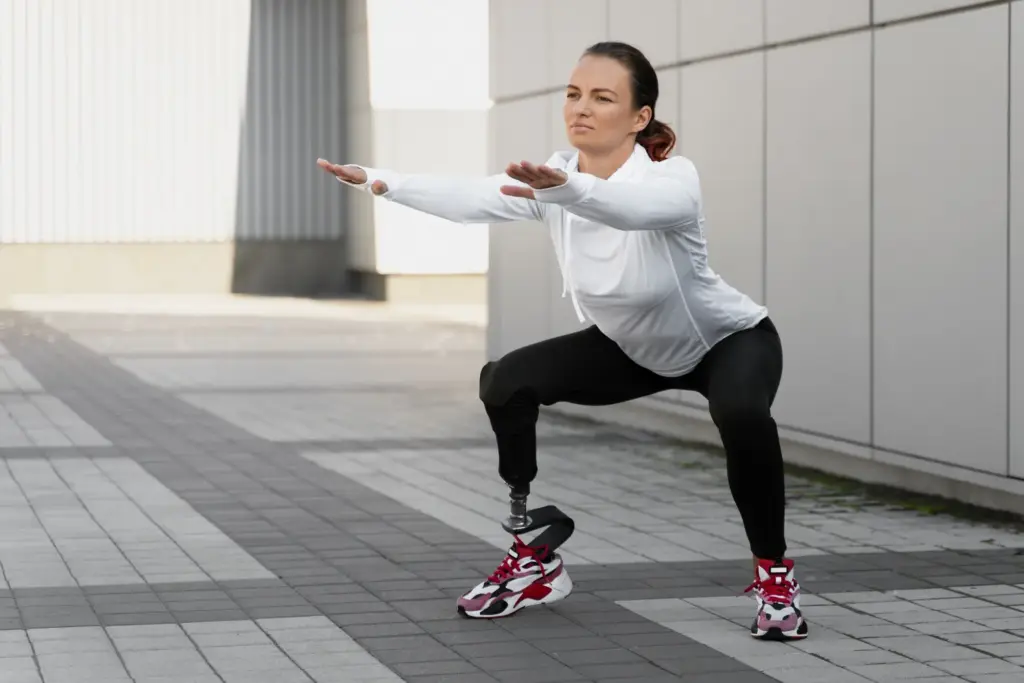
Plan examples that reflect varied roles, accents, and backgrounds without stereotyping. Add a tone note: supportive, direct, and free of jargon unless intentionally taught. When people see themselves in the story, engagement climbs, and transfer from video to workplace action becomes more natural.